Website payments, wired to your own Polar account
What you can sell, how Laarpi turns products into working checkout on your own Polar account, why a merchant of record takes care of sales tax, and how to test before you sell.
A site that makes people want something should let them buy it, right there, at the moment they want it. Laarpi builds the site and wires real payments into your own Polar account: products, checkout links, buttons that work, and orders recorded in your own database.
You never paste an API key into your code. You connect your account and choose where the money goes.
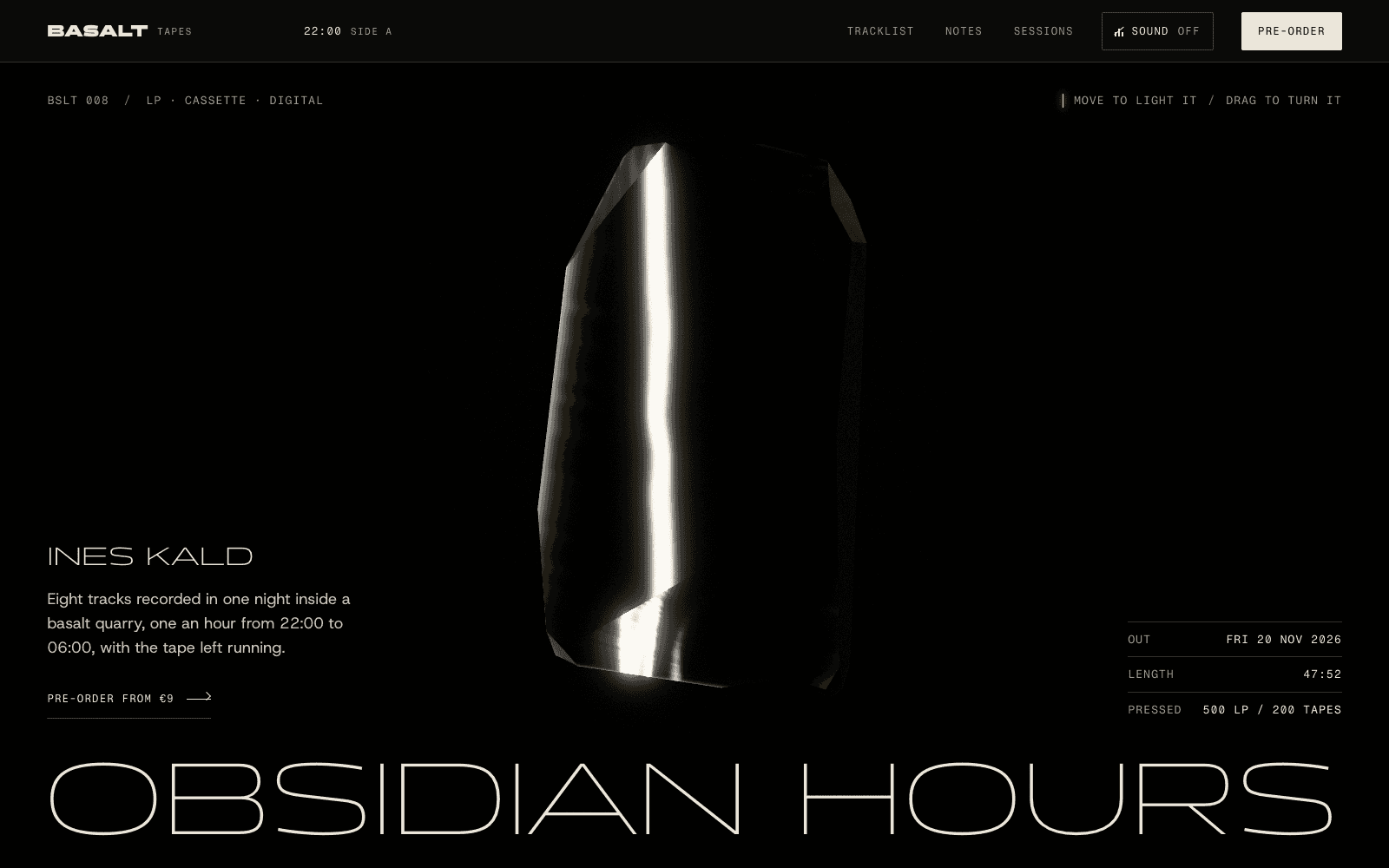
The record release above sells a numbered LP, a cassette and a download. The buy buttons sit beside the object, after the visitor has lit it, turned it and watched it break into its eight tracks.
What you can sell
Every featured site in the community takes money in a different shape:
| Site | What it sells | Payment type |
|---|---|---|
| A record release | Numbered vinyl, cassette, download | One-time, limited editions |
| A three-night festival | Single nights and a three-night pass | One-time tickets |
| A synth module launch | Two finishes, first batch | Pre-orders |
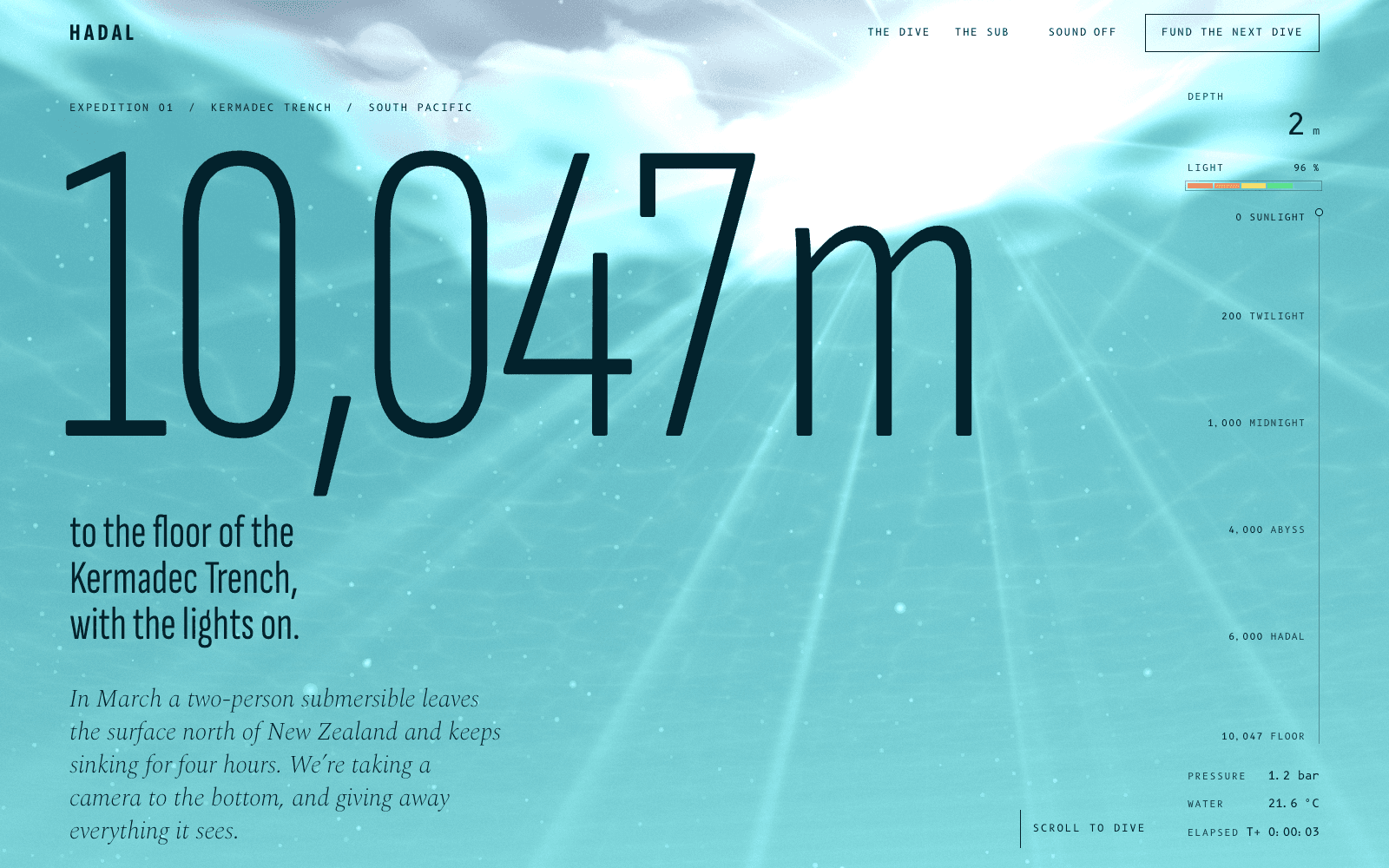
| An ocean expedition | A metre of the descent, a minute on the floor | Donations at fixed amounts |
| A ceramics studio | Individual pieces, commissions | One-of-one items and a refundable deposit |
Products can be one-time, monthly or yearly. Each has a name, a short description, a price and a currency.

How it works
- The plan lists the products. The agent proposes them from your idea; you edit names, prices and currencies in the brief, and the build follows your version.
- Connect Polar. Sign in with OAuth, or paste an organisation access token. Choose sandbox to test or production to sell.
- Choose the organisation the money goes to.
- Laarpi creates the products in that organisation, or updates them when the plan changes, and makes a checkout link for each.
- The buttons are wired. Each buy button opens its product's checkout, as a link or as an overlay on the page. After paying, the visitor comes back to your site and sees a quiet confirmation.
- Orders are recorded. If Supabase is connected, Laarpi points Polar's webhook at a function in your Supabase project. It verifies every webhook's signature and writes orders and subscriptions into your tables. See website backend.
Subscribers manage their plan through Polar's customer portal.
Why Polar: the merchant of record
Selling online across borders means sales tax, VAT and GST in many places. A plain payment processor leaves that to you. A merchant of record takes it on.
| Payment processor | Merchant of record (Polar) | |
|---|---|---|
| Who the legal seller is | You | Polar |
| Sales tax and VAT | You calculate, collect, file and remit | Polar calculates, collects and remits |
| Invoices and receipts | You set them up | Generated for each sale |
| Where your revenue goes | Your account | Your account, after Polar's fees |
For a studio, an artist or a small team selling worldwide, that is a lot of paperwork you never see. Read Polar's own terms for the details of what it covers in your case.
Designing the moment of purchase
Checkout is part of the design, not an afterthought bolted on at the end. A few rules the agent follows:
- Sell where desire peaks. On the synth launch, the order form comes after the visitor has played the module and read the datasheet, and the panel finish they pick re-colours the 3D model.
- Show real prices, plainly. Tickets as a clear table, editions with their size, pre-orders with their ship date.
- No fake scarcity. No countdown timers that reset, no invented "only 2 left". If an edition is numbered, say how many exist.
- Make the button obvious. One primary action per screen, large enough for a thumb, with focus states for keyboards.

Decide these before you connect
A few choices make the setup quick and the checkout clean:
- Names and descriptions buyers will see on the checkout page and the receipt. Keep them as specific as the site: "Obsidian Hours, LP" beats "Product 1".
- Prices and currency for each product.
- One-time or recurring. Subscriptions bill monthly or yearly; everything else is a single payment.
- Limited or open. If an edition is numbered, say so on the page and manage stock in Polar.
- Where buyers land afterwards. By default they return to your site with a confirmation; tell the agent if a product needs its own thank-you section.
Security
- No card data touches your site or Laarpi. The checkout page is hosted by Polar.
- Webhooks are verified. The function that records orders checks the signature on every request before writing anything, and its secret is stored as a function secret in your Supabase project.
- Your Polar token is encrypted at rest and never sent to the browser. The site only carries public checkout links.
Before you connect
Build first, connect later. Until Polar is connected, buy buttons render in place but stay disabled, with a note explaining why, so nobody clicks into a dead end. Connect, sync, and they come alive.
Test, then sell
- Connect Polar in sandbox mode.
- Publish, open your site, and buy each product with a test card.
- Check the order appears in Polar and, if connected, in your Supabase table.
- Reconnect in production mode and publish again.

How to ask for it
Name what you sell and how:
- "Sell the five pieces from the spring firing, one of each, and take commission deposits."
- "Tickets for three nights, plus a pass for all three."
- "A monthly membership for the archive, with a yearly option."
Then put it on your own domain. For more on pages built to sell, read the guide to a product launch page that converts, or see how a music artist website sells digital releases.