Laarpi vs Bolt
Bolt is a chat-based builder for apps, websites and prototypes, with Bolt Cloud for hosting and databases. Laarpi takes a website from a thought to a finished site in one place: designed from scratch, with real-time 3D, on your own Supabase and Polar.
Short answer. Choose Bolt if you want a fast, flexible builder for apps, prototypes and websites, especially if you start from Figma designs or a GitHub repository, or want hosting and a database without creating any extra accounts. Choose Laarpi if you are making a website that has to be remembered: designed from scratch around your idea, with real-time 3D and motion that carry the story, checked by the agent itself, and shipped with sign-in, data and payments on your own Supabase and Polar accounts.
Bolt is a general builder you talk to. Laarpi is a coding agent with one job: websites designed from scratch, from the first thought to the finished site.
| Compared | Laarpi | Bolt |
|---|---|---|
| Built for | Websites that have to be remembered: brands, launches, portfolios, events | Apps, websites, prototypes and slides, built by chat |
| Before it builds | Asks the few questions that matter as cards, then writes a plan you can edit | A Plan option before building, or Build now |
| Design process | Concepts, type and palette chosen per idea; checks its own screenshots at six widths and, on a Finish, revises at least twice | Your prompts, imported Figma designs, or a team design system |
| Real-time 3D | Built in: three.js scenes written for the story, with a still version for reduced motion | Possible when you ask for it in your prompt |
| The code | Plain HTML, CSS and JavaScript modules, no build step; download is planned | A Node-based project; download as a zip or sync with GitHub |
| Backend | Your own Supabase project, connected in clicks | Bolt Database on every plan; your own Supabase on Pro and Teams |
| Payments | Your own Polar account: products, checkout links, customer portal | Stripe, through Supabase or Bolt Database edge functions |
| Hosting and domains | A laarpi.site address on publish; custom domains from Pro | Bolt Cloud hosting; custom domains on Pro |
| Paid plans from | $25 a month, or $20 billed yearly | $25 a month billed monthly; yearly billing saves up to 28% |
Facts about Bolt come from its own pricing page, home page and support documentation, checked in October 2026. Both products change often, so treat this as a dated snapshot and check the sources on this page.
What Bolt is
Bolt is a chat-based builder: you describe what you want and it writes and runs the code in front of you. You can start from a prompt, a Figma file, a GitHub repository or a team template, choose to plan first or build straight away, and make websites, apps, prototypes or slides. Bolt routes each task to a model it picks for quality and cost, and Pro users can choose a stronger agent.
Bolt Cloud handles the rest without extra accounts: hosting, Bolt Database (with every plan), user management and authentication, SEO features, analytics and custom domains. Bolt says it is powered by Netlify and Supabase. On Pro and Teams you can also connect your own Supabase project, and Stripe payments work through Supabase or Bolt Database edge functions.
What Laarpi is
Laarpi is a coding agent for websites. You describe the site, and before it builds it asks only the questions that change the result, as cards in the chat with concrete options: palette swatches, font specimens, two very different structures. Then it writes the plan, covering the concept, palette, type, sections and motion, and you can edit any line.
It builds the site as real code, live. Then it looks at its own work: screenshots at desktop and phone sizes, a layout check at six widths for overlaps, overflow and broken headlines, and a separate art-director pass that scores the site on eight things, from concept clarity to reduced motion. On a Finish, it revises at least twice before it calls the site done. How it works covers each step.
What each agent is optimising for
Bolt is optimised for range and speed of iteration: many kinds of projects, automatic testing and refactoring to reduce errors, and context handling for large codebases. For a prototype, a dashboard or an MVP, that is exactly what you want.
A memorable website has a different bottleneck. The code is rarely the hard part. The hard part is the idea, and the taste to carry it through every viewport. Laarpi's process puts that first. It develops more than one concept privately and keeps the strongest. It picks typefaces for the idea, never Inter or Roboto by default. It avoids the patterns that make generated sites look alike: the purple-to-blue gradient, three feature cards with icons, a centred hero with two buttons and a fake dashboard. If a section could be swapped into another site unchanged, it is redone.

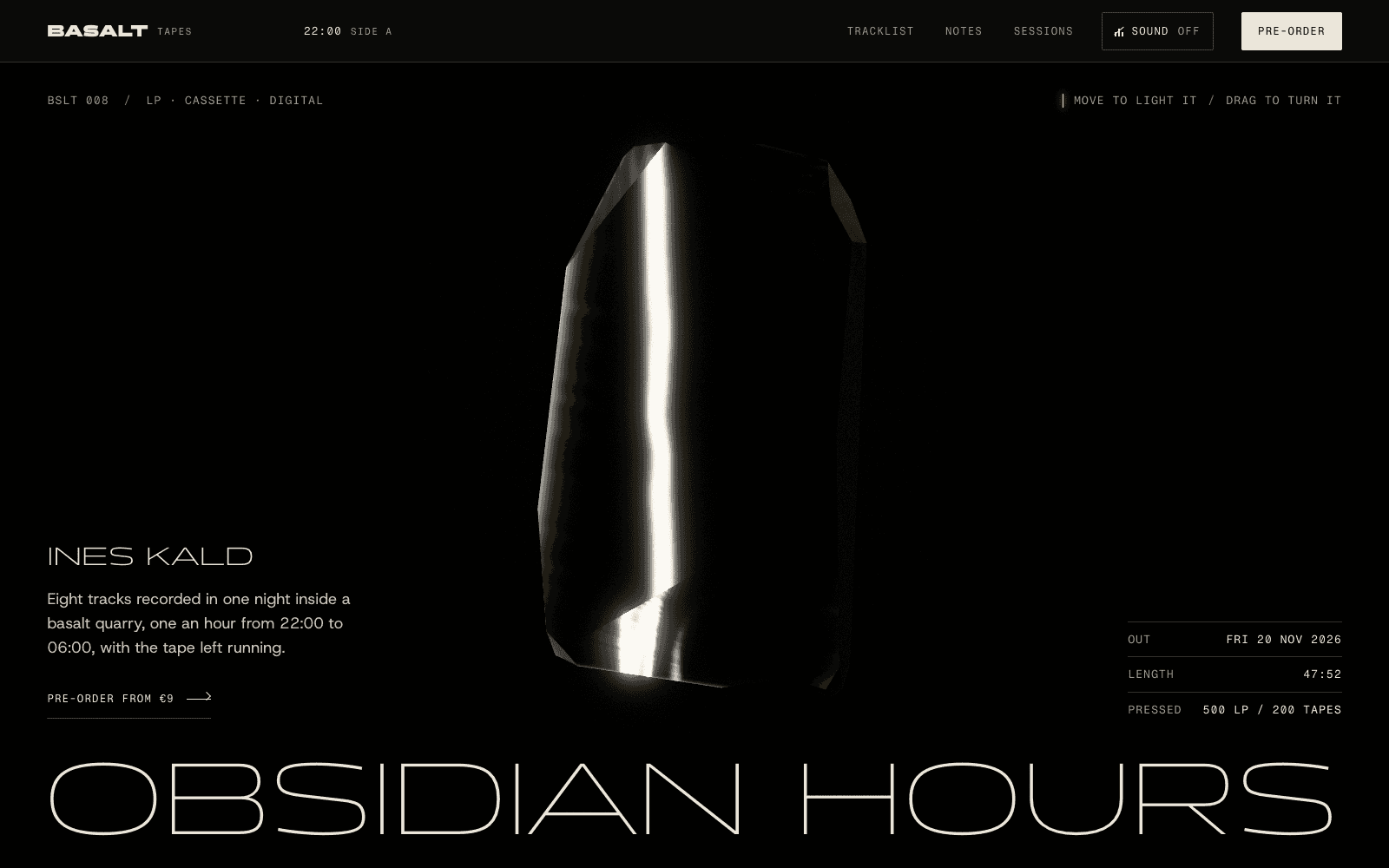
A descent to the floor of the Kermadec Trench, told by scroll. Below 1,000 metres your cursor is the only light.
In Bolt, you can reach a striking site with a strong prompt, a Figma file or a team design system. In Laarpi, the agent brings the direction and you steer it.
Real-time 3D and motion
Bolt writes whatever code your prompts describe, so you can ask for a three.js scene or an animation library and iterate on it.
In Laarpi, 3D is designed rather than requested. The plan says what the centrepiece is, how it answers scroll and cursor, and why it belongs in the story. The agent lights the scene with open-source HDR environments, uses real open-source models for real objects and credits them, and never builds crude stand-ins out of primitive shapes; when no good model exists, it abstracts the subject into light, particles, lines or type. It caps rendering on phones, pauses it off screen, and ships a composed still version for visitors who turn motion off. Then it screenshots the result and reviews it.
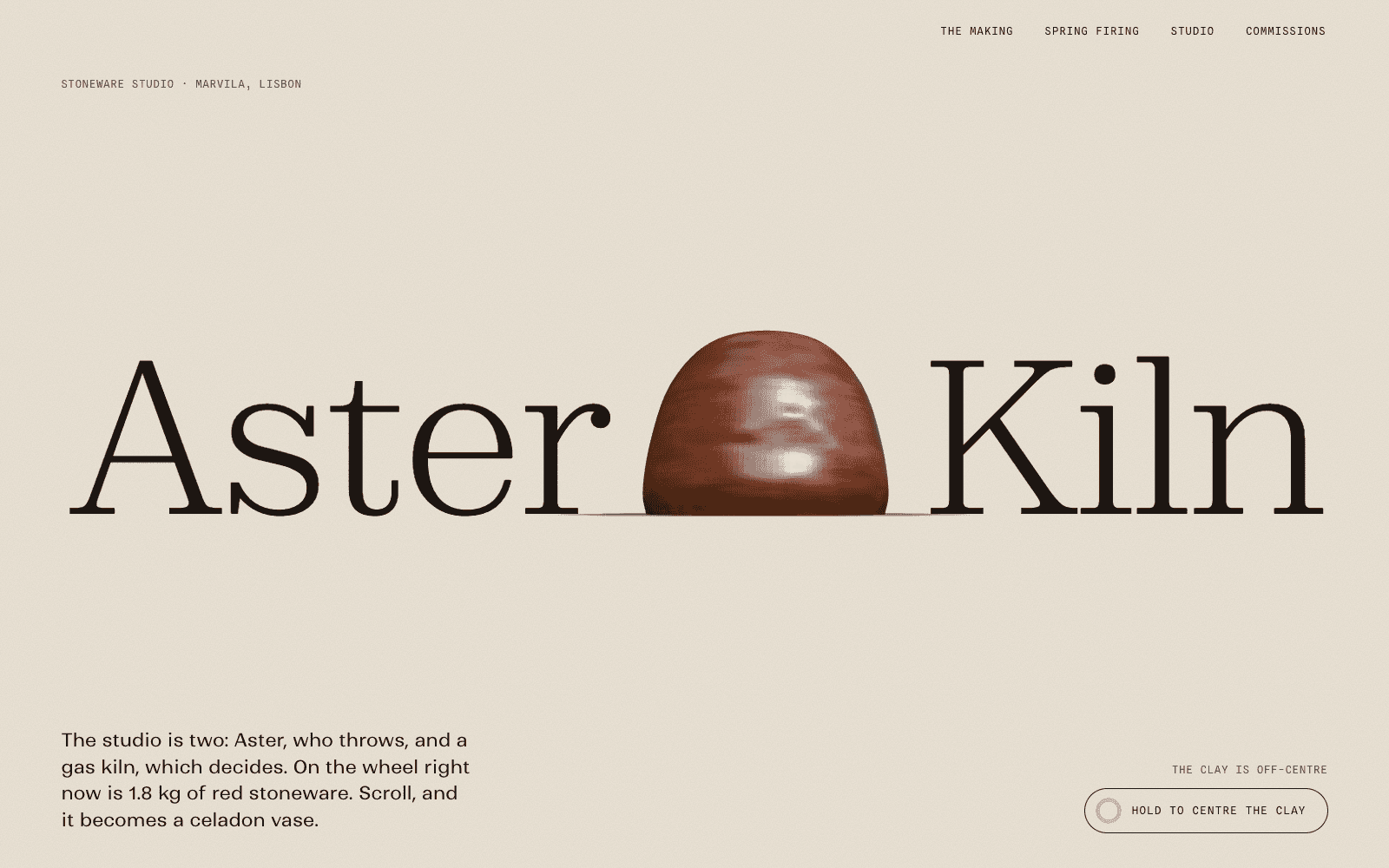
A stoneware vase thrown by scroll, then fired to 1,280 °C behind a kiln spyhole.
For the technical side, see the 3D website builder and our guide to fast websites with 3D.
Code and portability
Both show you the code.
Bolt lets you download a project as a zip, open it in StackBlitz, or sync it with GitHub. Its projects run on Node.js, so you install dependencies and start the app locally to work on it outside Bolt.
A Laarpi site is plain files: semantic HTML with all the copy in the page, CSS and JavaScript modules, with libraries from a pinned import map. There is no build step, so the files are the site. You can read and edit the code beside the preview on every plan, and every edit becomes a version. Downloading the files is planned and not available yet.
In practice, there is nothing to install and nothing to compile, and any developer who opens the files in the studio can read them.
Backend and payments
Bolt gives you a database with every plan through Bolt Database, user management and authentication through Bolt Cloud, your own Supabase on Pro and Teams, and Stripe for one-time payments and subscriptions, processed through edge functions. That is a capable stack for apps.
Laarpi puts the backend on accounts you own from the first build:
- Supabase: connect your account and choose or create a project. Laarpi creates the sign-in settings and the tables your site needs there, with row-level security on.
- Polar: connect your account and Laarpi creates the products, checkout links and customer portal, wired to the buttons on your site. Polar acts as merchant of record, so it handles sales tax on your sales, and it is built for software and digital goods.
The data, the customers and the revenue sit in your accounts. Read more about the website backend and website payments.
Pricing: tokens and credits
| Bolt | Laarpi | |
|---|---|---|
| Free | $0: 300,000 tokens a day, 1 million a month, Bolt branding on websites, hosting | $0: 30 credits a month, up to 3 projects, laarpi.site address with a small “Made with Laarpi” mark |
| Entry paid plan | Pro: $25 a month billed monthly, from 10 million tokens a month, custom domains, no branding | Pro: $25 a month or $20 billed yearly, 250 credits, 3 custom domains, no mark; code download is planned |
| More capacity | Higher Pro token amounts | Max: $100 or $200 a month for 1,200 or 2,800 credits ($80 or $160 billed yearly) |
| Teams | $30 per member a month; tokens are per member | Business: $50 a seat a month ($40 billed yearly), 600 credits per seat, pooled |
| Unused allowance | Paid tokens roll over for one extra month | Monthly allowance, no rollover |
The units are not comparable one to one. Bolt counts tokens, and its pricing page notes that most of them go on syncing your project's files to the AI, so bigger projects use more per message. Laarpi meters each turn by what the agent's work really cost and rounds it up to whole credits, so a small fix costs little. Hosting does not use credits on Laarpi, and Supabase and Polar bill you directly on your own accounts. Prices are lower in India and shown automatically on the pricing page.
Where Bolt is the better choice
- You are building an app or a prototype, and want one tool for frontend, database, auth and hosting.
- You start from Figma or a repository. Bolt imports both.
- You want no extra accounts. Bolt Cloud gives you hosting, a database and domains in one place.
- Your team shares a design system that every project should follow.
Where Laarpi is the better choice
- The website is the point, and it must look designed rather than generated.
- You want 3D and motion that are planned, checked at every width and accessible, without engineering the prompts yourself.
- You want plain files with no build step that anyone can read (download is planned).
- You want sign-in, data and payments on your own accounts, with Polar handling sales tax as merchant of record.
Browse the community to see published sites, and remix one to start from something real.
A quick way to decide
Say what you are making in one sentence. If the nouns are screens, records and workflows, open Bolt. If they are a brand, a launch, a body of work or an event, and how it looks and moves is most of the job, open Laarpi. If it is both, use both: the app at app.yourbrand.com, the site at yourbrand.com, joined by your domain.
Also weighing Lovable or v0? Read Laarpi vs Lovable and Laarpi vs v0.
Sources
Checked October 2026. Plans and features change; the linked pages are the authority.